Rustico, Prosecco Superiore
Sparkling · Nino Franco · Veneto
Fresh and fruity, the house aperitif.
€42.00
Glass €8.50
Let guests explore your wines in your restaurant’s style and in their language.

Rustico, Prosecco Superiore
Fresh and fruity, the house aperitif.
Clos des Briords 2022
A saline muscadet, made for oysters.
Langhe Arneis Blangé 2022
Light and lively, pear and almond.
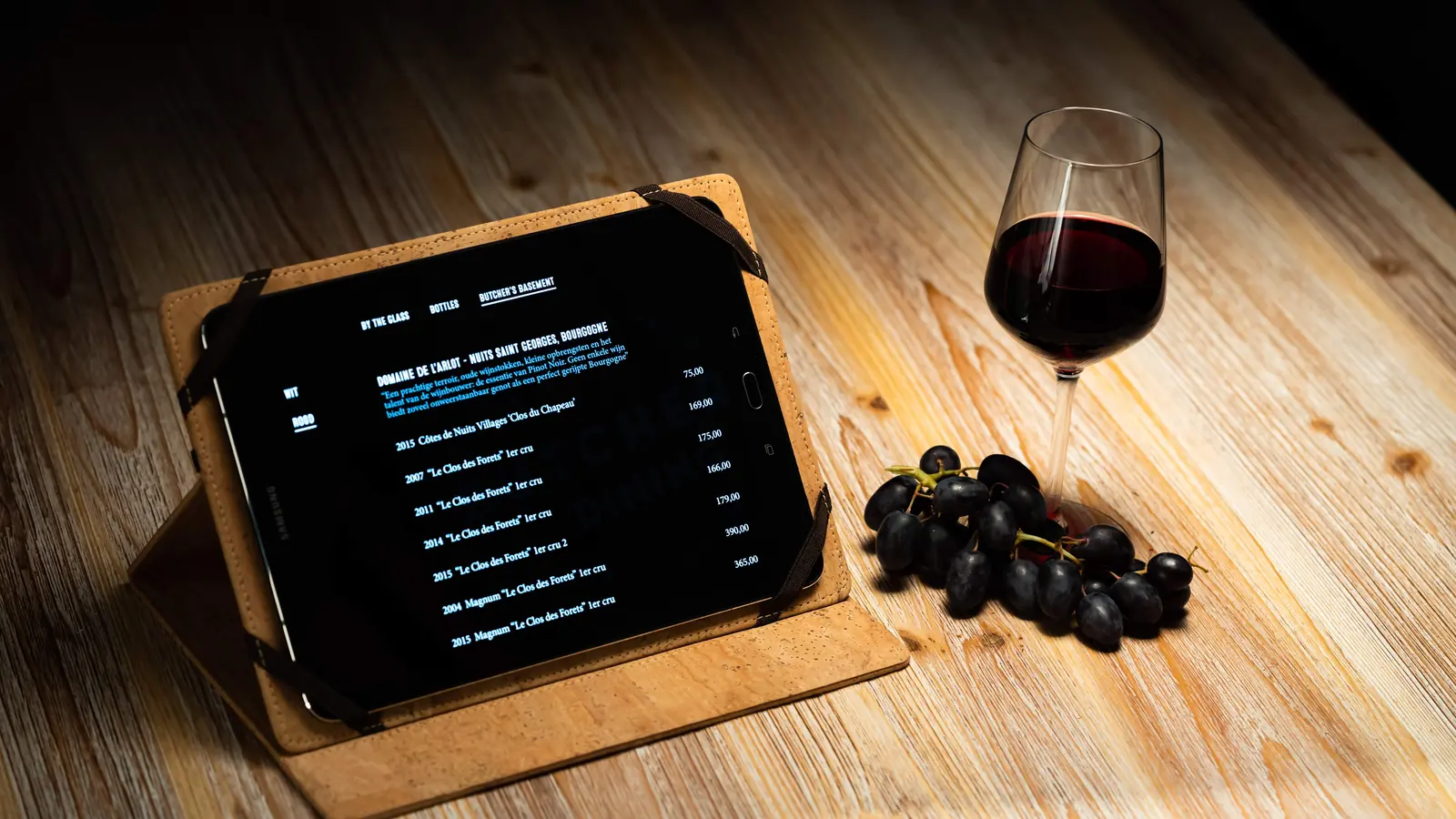
Guests browse your sections, compare glass and bottle prices, and read your tasting notes. Your team continues the conversation.
Offer your card in up to seven languages. Guests choose from the languages you have prepared for that card.
Download the published card first. Its wines, images and fonts stay on the tablet, ready to browse without a connection.
Your restaurant’s style
Compare the same sample card in each layout. In Winepad, add your logo, colours, fonts and backgrounds, and choose which wine details guests see.
Sections as tabs, with headings beside the wines to find your way through a longer list.
Try your own house style in the demo →From your browser to the table
You manage the card in Winepad. The tablet shows the version you publish for guests.
Add your wines in Winepad or import your existing list. Arrange the sections, check the prices and prepare the languages you want to offer.
Open the Tablet tab on your card and choose a layout and your house style. Publish the card, then create its tablet QR code under Publish and share.
Install the Winepad tablet app, scan the card’s QR code and download it while connected. Open the card and hand the tablet to your guest.
Edit in Winepad and publish when ready. A connected tablet checks for updates on its welcome screen and shows the new version there, without interrupting a guest. Refresh it manually if you need the update straight away. An offline tablet keeps its downloaded version until it reconnects.
For the floor team
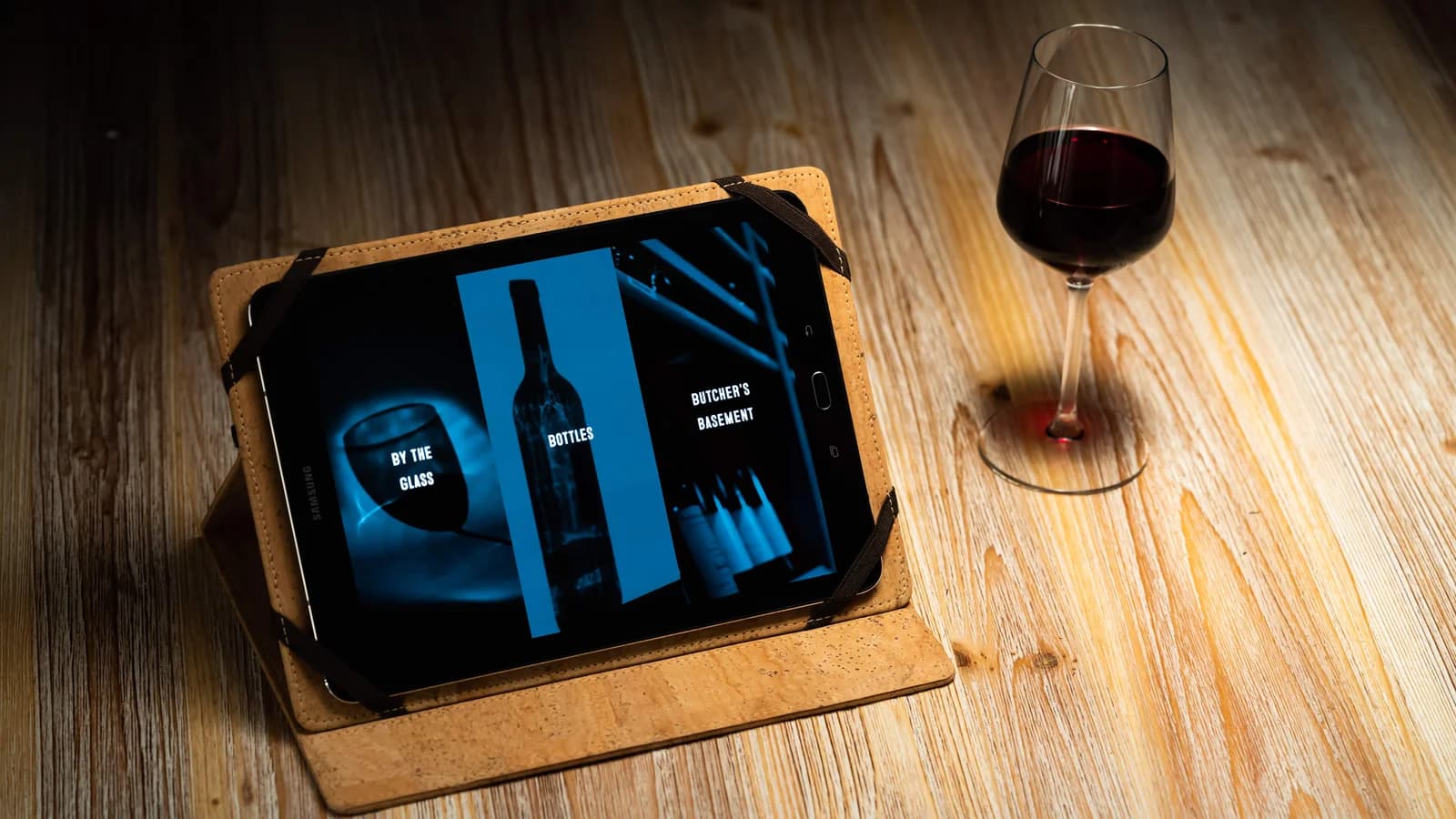
A case that folds into a stand keeps the card upright on the table. The cork case pictured is one way to make a tablet feel at home in your restaurant.
You provide the tablet and case; they are separate from the Winepad subscription.

A Winepad account, your wine list and your own iPad or Android tablet with the Winepad app. Connect to the internet to link the tablet and download the published card. You can first explore and design the card in your browser.
Yes. Use the same wine list for a printable PDF, a QR link for guests’ phones and the tablet. Guests opening the QR link on their own phone do not need an app.
Dutch, French, English, German, Spanish, Italian and Portuguese. You choose and prepare the languages for each card; guests see those languages. Translation help is available in Winepad, and you review the text before publishing.
Guests see your published wine list and its selling prices. Purchase prices, stock figures and your account details stay out of the guest card.
See how Winepad connects your range with the restaurants you supply.
Discover Winepad for wine merchants →The tablet app is included in Free and Pro. Start with your wine list; add your own tablet when you’re ready.