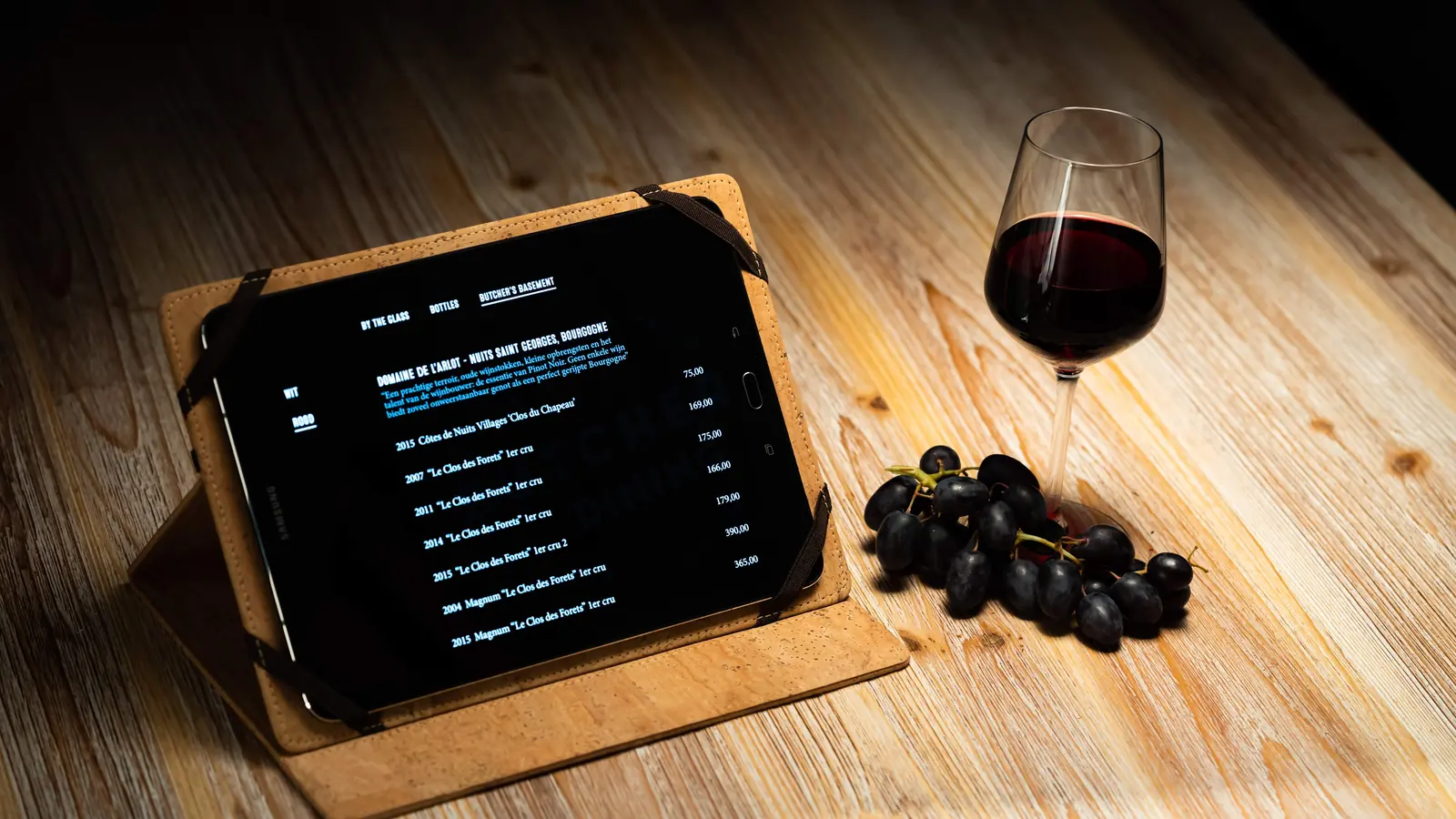
From loose files to one place.
Bring your wines and wine list together. Start with your existing list, publish it in your own style, and add stock management when you need it.
No account needed for the demo.
Today
- List, stock and prices in separate files
- A wine turns out to be gone when a guest asks for it
- Ordering by phone, calculating afterwards
With Winepad
- Wines, stock and list in one place
- A heads-up before a wine runs out
- Ordering in a few clicks, margins always in view
Getting started
Your existing list is the starting point.
You can start with the wine list alone. Your wine merchant does not need to join Winepad.
Bring your wines
Upload a PDF or photos of your current list, import Excel, or add wines yourself. Review the names, vintages and prices before importing.
Make the list yours
Keep or adjust your sections, add glass and bottle prices, and choose your logo, colours and fonts. Invite your sommelier or team to help with the content.
Check, then publish
Preview your list and publish the version guests should see. Share it by QR code, connect your own tablet, or export a PDF to print.
From cellar to table
A week with Winepad.
Once your list is ready, use the tools that fit your work: ordering, tasting notes, stock and reports. Here is how Winepad helps throughout the week.
Team collaboration, versions, stock per place, purchase prices, margins and reports are part of Pro. Compare Free and Pro
- 1
Monday · 10:00
The source
Wine estate, distributor or wine merchant
- Restaurant
- Wine merchant

“My orders are scattered across phone calls and messages.”
With Winepad
Keep working with your own suppliers. Send an order by email through Winepad, even if your wine merchant has no Winepad account. If they have a shop on Winepad, you can also order from their range.
- 2
Tuesday · 9:15
The cellar
Restaurant and cellars
- Sommelier
- Floor team
- Pro
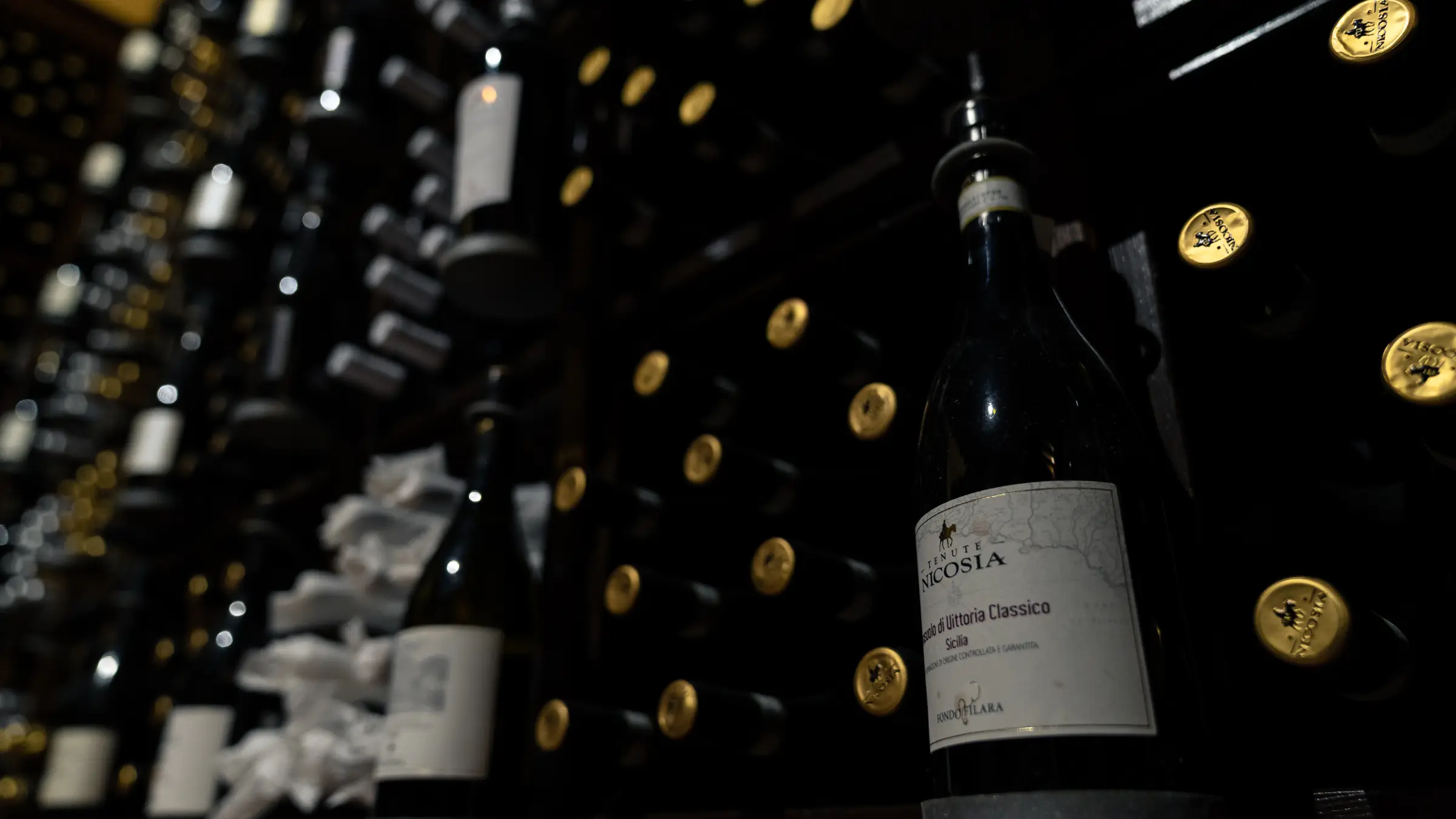
“What is left in the cellar, and what needs topping up before service?”
With Winepad
Keep a bottle count and a minimum per wine to see when to reorder. With Pro, also record what arrives and what moves between the cellar and the restaurant.
Connect your POS · planned for Pro
A POS connection is planned for Pro, so sales automatically update your stock. It is not available yet. We will announce supported POS systems later.
Today, your team records deliveries, adjusts stock after sales and tracks movements in Winepad.
Adds a wine from a photo of the label
- 3
Tuesday · 16:40
The story
Tasting and notes
- Sommelier
FruitySavouryLightFullA gap to explore“The tasting notes live in one person’s head.”
With Winepad
Keep your own tasting notes with the wines, so the floor team can use your advice. The taste map helps you explore the balance of the list. AI can suggest descriptions and positions; you review and adjust them.
Writes descriptionsPlaces them on the taste map
- 4
Wednesday · 11:00
The list
Sections, prices and style
- Restaurant
- Sommelier
- Pro
BAR PALOMA
Wine list
By the glassglass · bottle8.5 · 42Rustico, Prosecco
8 · 39Côtes du Rhône
White62Sancerre 2022
“Our list is in Word, and only I know which version is the right one.”
With Winepad
Adjust a wine, a price or a section and preview the result. With Pro, work on it with your team, save a named version, such as “Autumn menu”, and choose when it goes live: immediately or on a scheduled date.
- 5
Friday · 20:15
At the table
Paper, phone or tablet
- Guest
- Floor team
“The printed list was out of date before it was laminated.”
With Winepad
Publishing makes the chosen version available on the guest’s phone via your QR code and on connected tablets when they sync. Unpublished edits stay out of view. For paper, export the updated PDF and reprint it. Guests choose from the languages you have prepared.
Translates your list
- ↺
Saturday · 23:10
And back
Reordering and year end
- Restaurant
- Pro
Meursault 2021 · 2
Order 6 from Wijnhuis VerhaegheStock value€5,154
Margin57%
“I can’t see which wines earn money and which just sit there.”
With Winepad
With Pro, use recorded stock changes to review bottles sold, margins and wines that have not moved. See what needs reordering and export your stock value to Excel. Your figures follow the deliveries and stock changes you record.
For sommeliers
Put your wine expertise to work, faster.
Whether you work in the restaurant or advise it independently, Winepad helps you turn your wine knowledge into a list the team can work with.
From advice to a working wine list
Help with the selection, organise sections and write tasting notes the floor team can use.
For your work behind the scenes too
If you also arrange deliveries or help with the cellar, Pro brings stock per place, deliveries and purchase prices into the same workspace. Pro also supports several restaurants in one account.
AI helps with the preparation
Draft descriptions, translate texts or explore the taste map. You review the suggestions and keep control of the wording and recommendations.
Get started with your own list.
Start free with your own wine list for one restaurant. Want to look around first? Try the demo with sample wines, in your restaurant’s style.